---
title: app.build web ui and Laravel support, new Tables page features, and more
---
## app.build adds web UI and Laravel support
[app.build](https://app.build), Neon's open-source reference architecture for agentic codegen, now has a web-based interface in addition to the terminal CLI—making it easier to create full-stack apps directly from your browser. Learn more in the blog post: [Launching a Web UI for app.build](https://neon.com/blog/launching-a-web-ui-for-app-build)
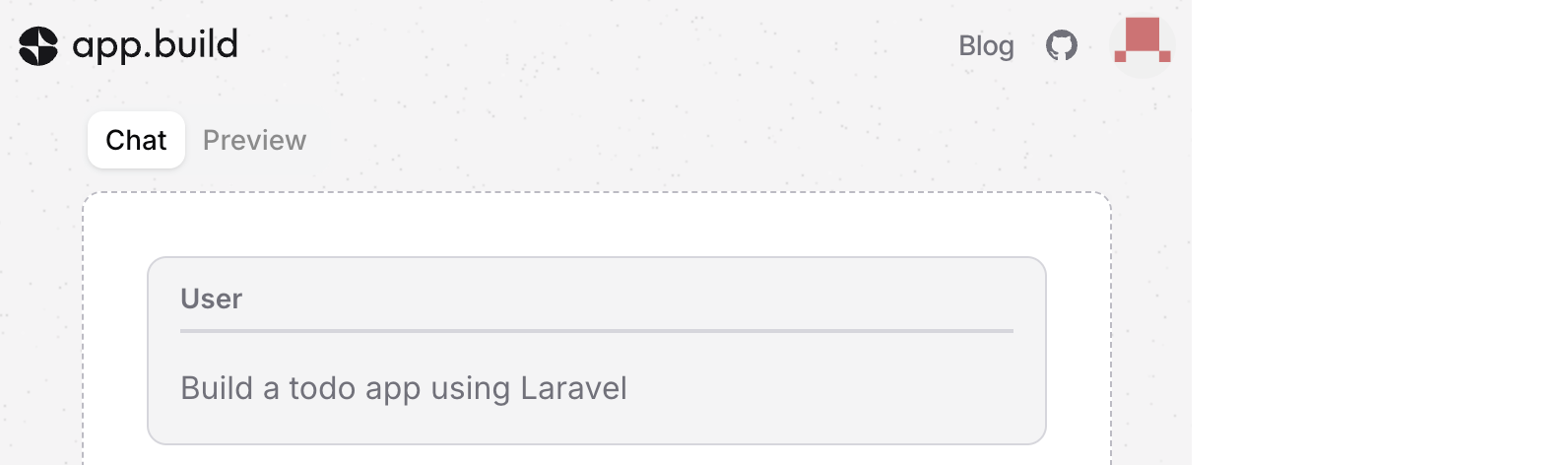
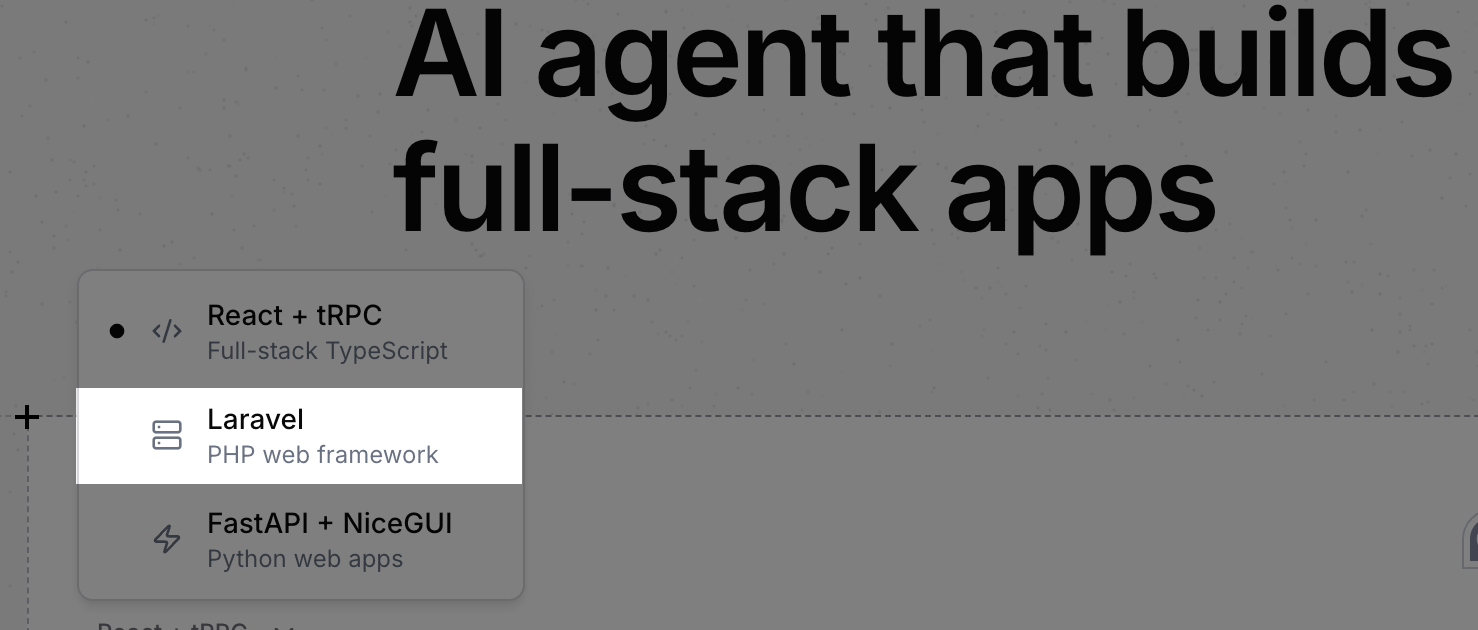
**app.build** also now supports building and deploying **Laravel apps**. Check out the blog post: [Generate Laravel Apps from a Prompt](https://neon.com/blog/generate-laravel-apps-from-a-prompt). Thanks to the [@laravelphp](https://x.com/laravelphp) team for helping us build the template 🤝
## Create roles, add privileges, define RLS policies, and manage your database schema in the Neon Console
Drizzle Studio, which powers the **Tables** page in the Neon Console, has been updated with several new features including a new **Database studio** view.
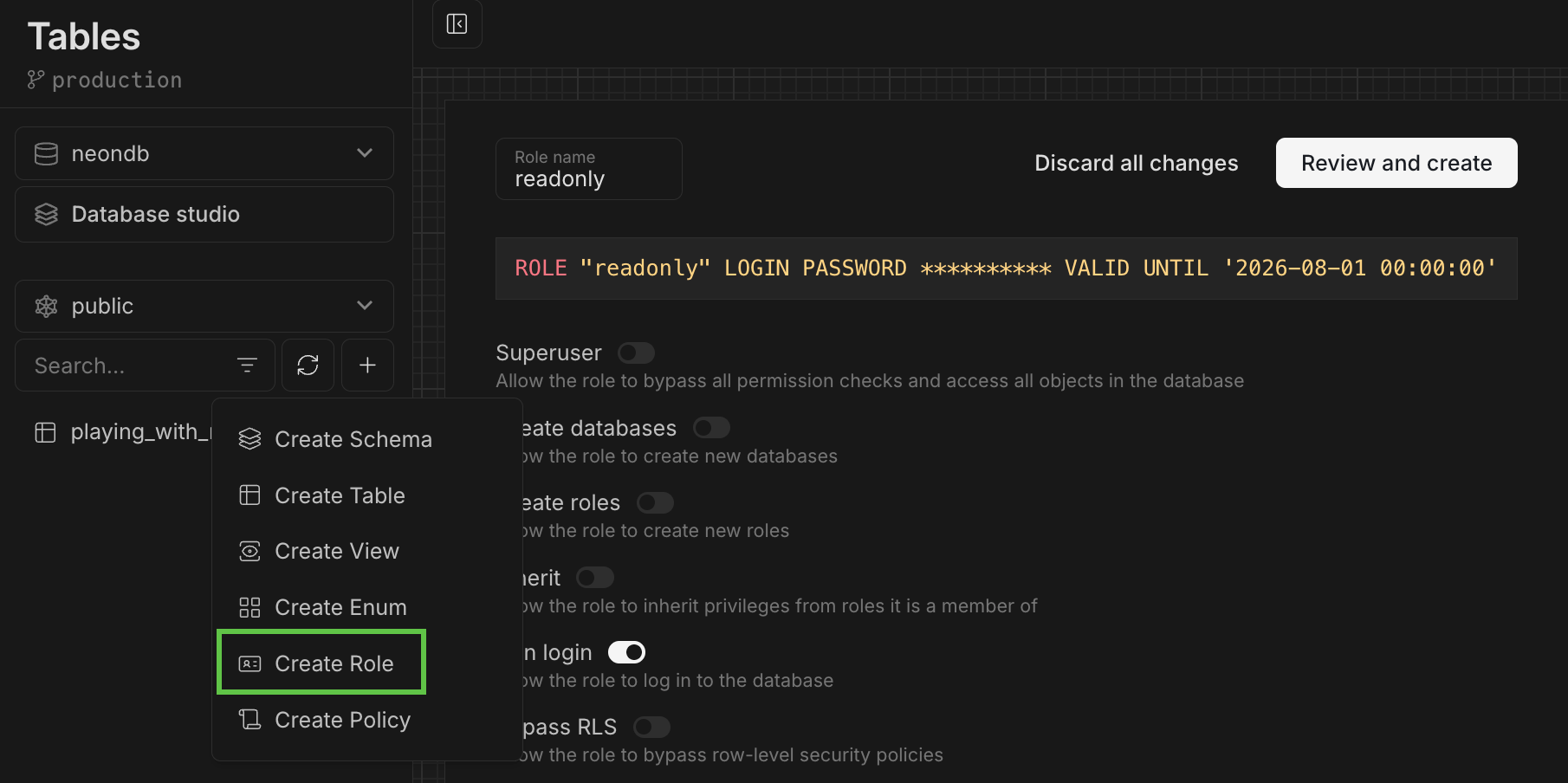
### Create Postgres roles
You can now create Postgres roles from the **Tables** page. Define a role name, select from a list of commonly granted privileges, set a password, and click **Review and Create**.
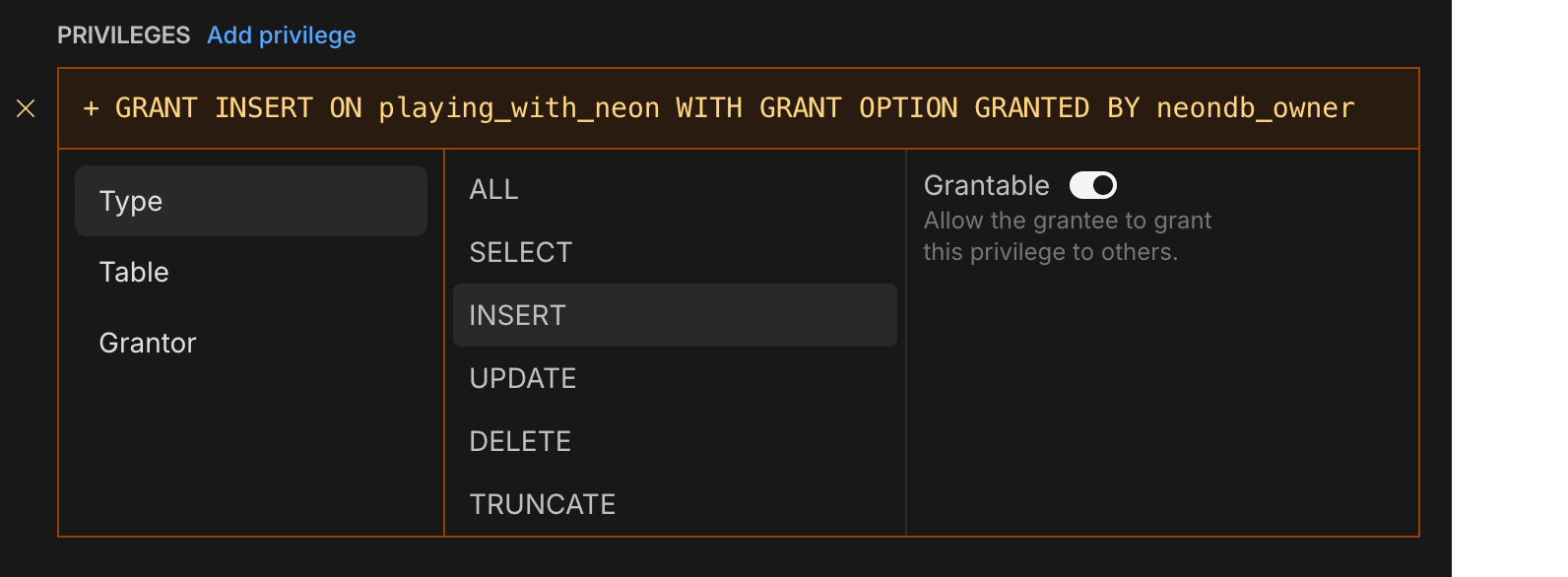
### Add privileges
For more advanced privilege assignments, click the **Add privilege** link when creating a role to build your `GRANT` statements.
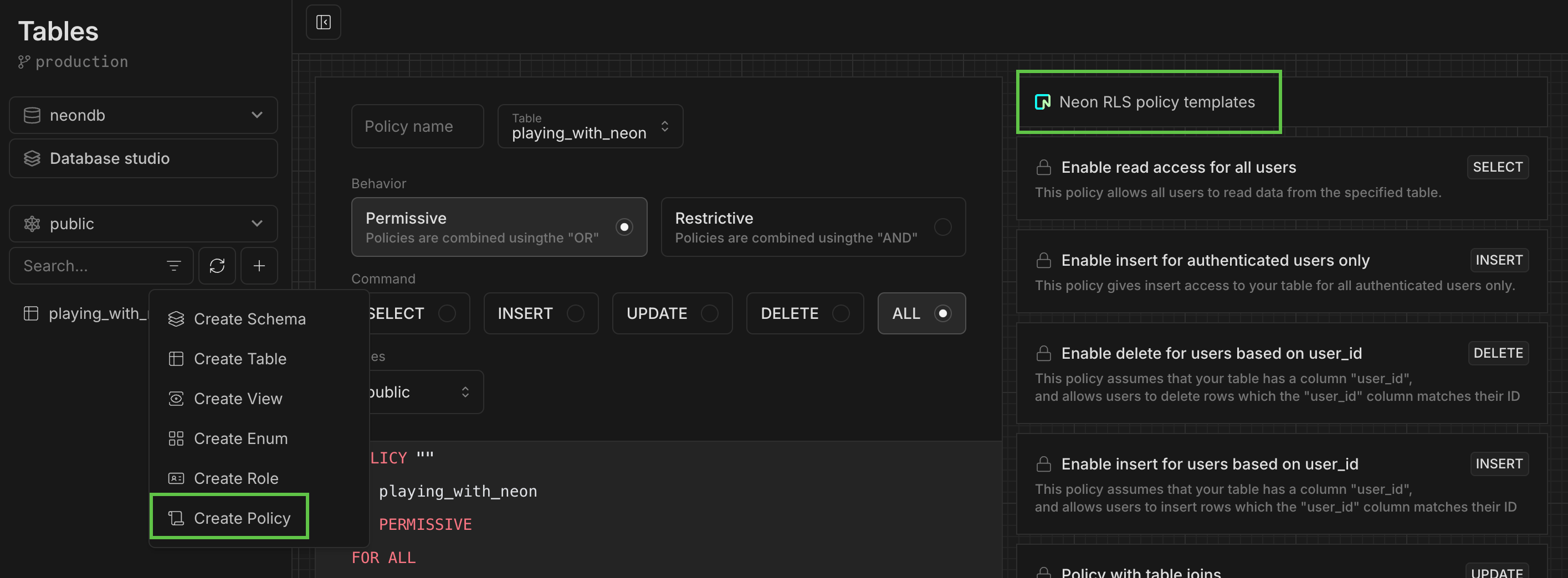
### Define RLS policies
Define your own Postgres RLS policies or use a RLS policy template. The "based on `user_id`" templates can be used with our [Neon RLS](/docs/guides/neon-rls) feature, which integrates third-party JWT-based authentication providers like Auth0 and Clerk.
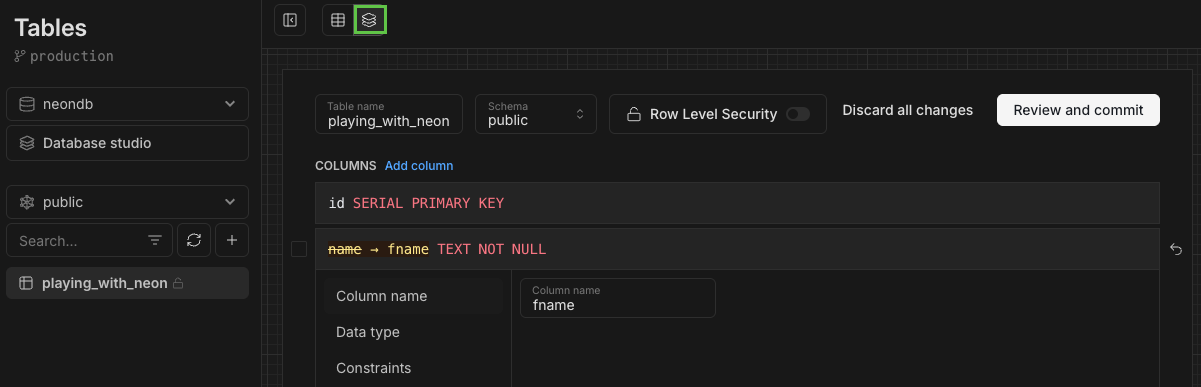
### Manage your database schema
View your schema definition, alter it, enable RLS, and more.
### Database studio view
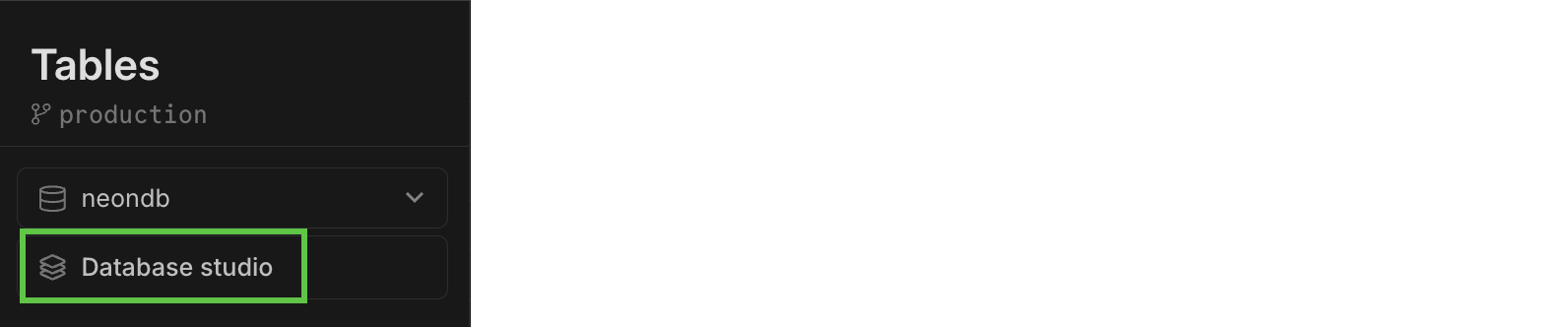
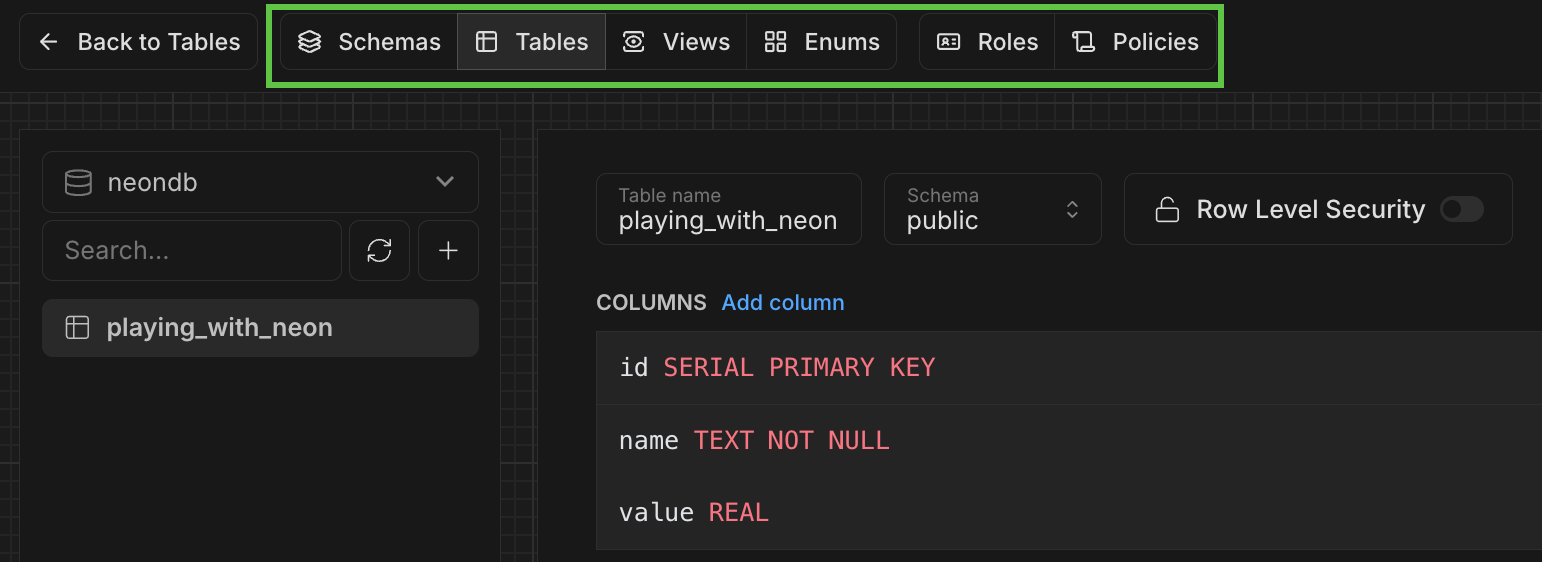
The new **Database studio** view makes it easy to explore your database objects—including schemas, tables, views, roles, and policies—all in one place.
To open the view, select **Database studio** from the **Tables** page:
Use the top navbar to navigate:
## Neon MCP extension added to Goose registry
The [Neon MCP extension](https://block.github.io/goose/docs/mcp/neon-mcp/) is now listed in the [Goose registry](https://block.github.io/goose/), making it easier for developers using Goose and Block Protocol to integrate Neon MCP into their workflows.
## Improved Private Networking visibility
Users of [Private Networking](/docs/guides/neon-private-networking) can now view configured VPC endpoints on the project settings page in the Neon Console.
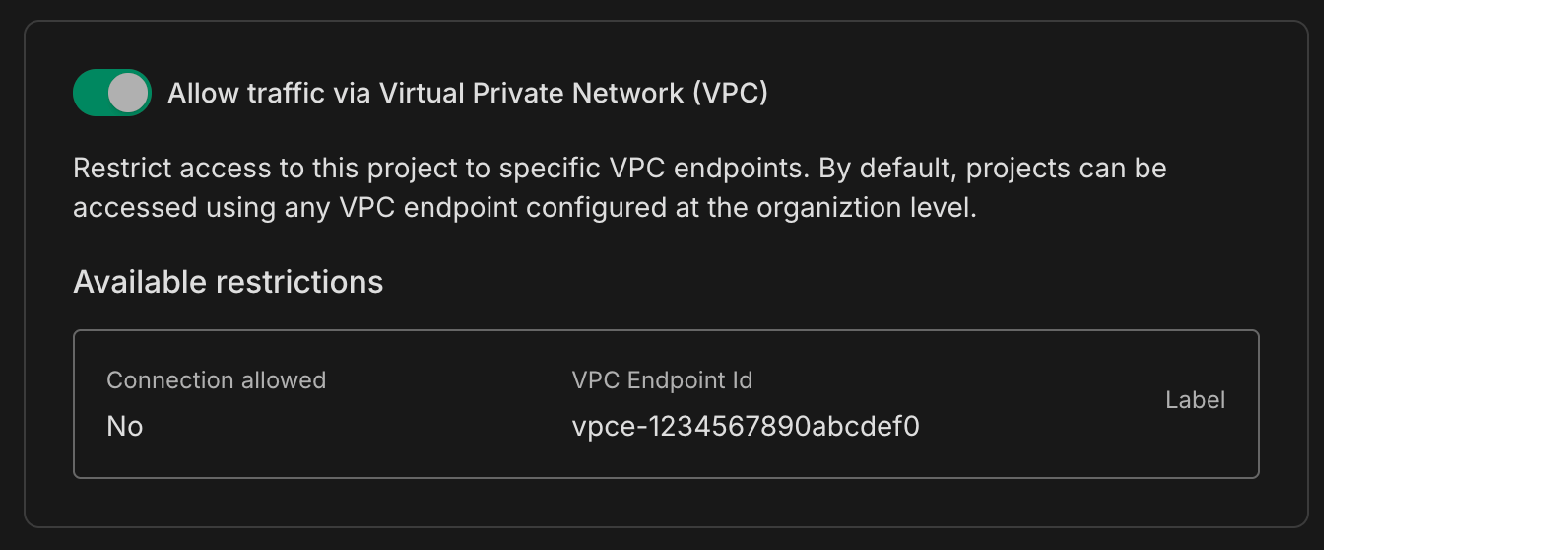
Private Networking is available on Neon's [Business](/docs/introduction/plans#business) and [Enterprise](/docs/introduction/plans#enterprise) plans. If you're on a different plan, you can request a trial from your project's settings page.
**Fixes**
- Fixed an issue where a project shared with a collaborator was not visible in the collaborator's shared projects list.
- Fixed an issue on the **Edit compute** modal that caused scale values to collide when the scale included all supported autoscaling CU sizes.
**pg_search**
- We updated the `pg_search` extension from version **0.15.18** to **0.15.26**. If you are a current user of the `pg_search` extension, update your installation by running `ALTER EXTENSION pg_search UPDATE`. Failing to do so could result in query failures or performance degradation when using `pg_search`.